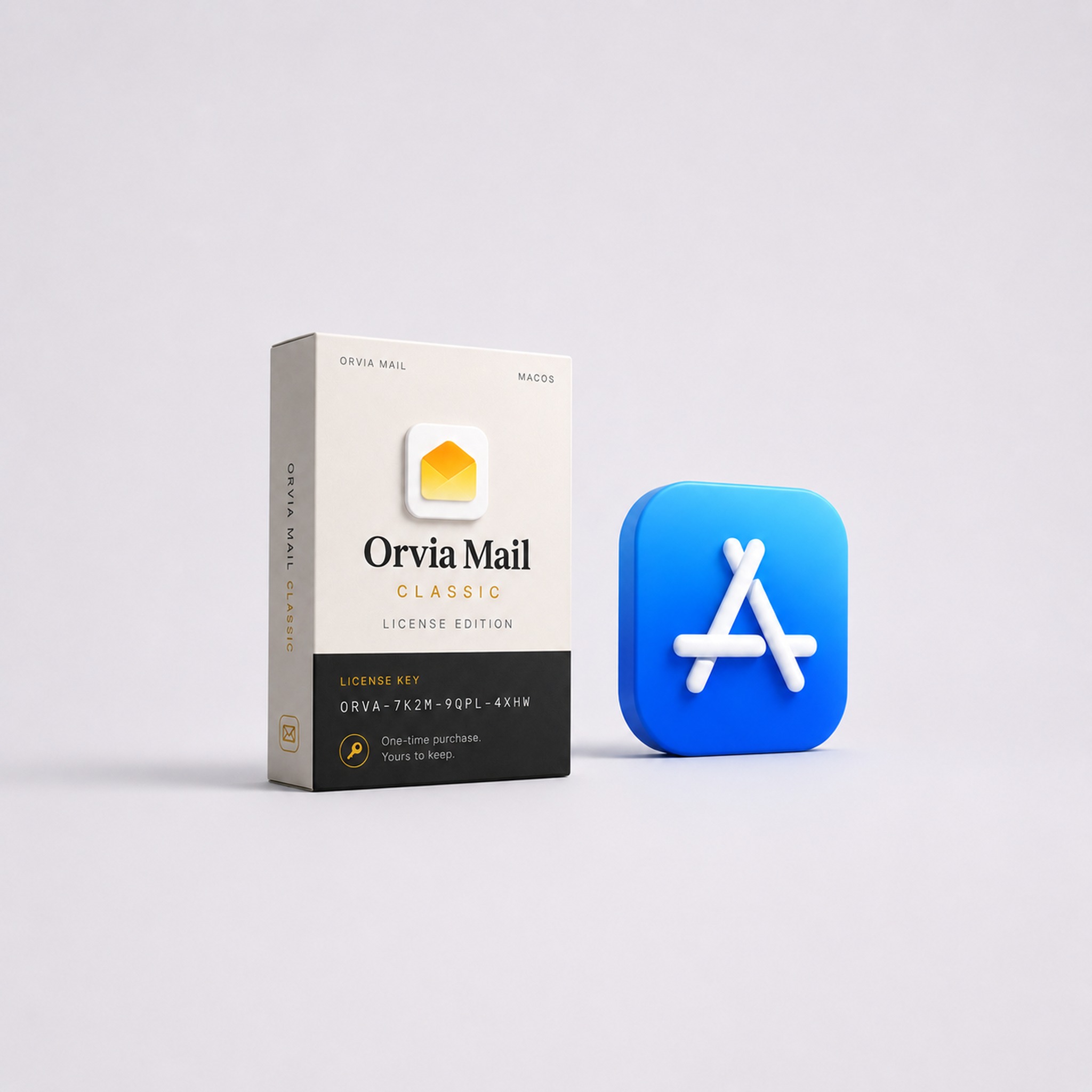
Orvia Mail offers two Mac editions by design. Both keep the same calm, native mail experience and support real sending, receiving, search, and organization. Their purchase models, entitlements, and intended users differ.
In short: Classic is a buy-once multi-account mail client. The App Store edition starts free with one account, while Orvia Mail Plus adds more accounts and cloud AI.
Each edition makes a different promise. Classic emphasizes long-term ownership, local processing, and no subscription. The App Store edition emphasizes a free starting point, Apple-managed billing, and continuously operated cloud services.
At a glance
| Area | Orvia Mail Classic | Mac App Store edition |
|---|---|---|
| Download | Standalone DMG from the Orvia Mail website | Mac App Store |
| Payment | Trial, followed by a one-time purchase | One account free; Orvia Mail Plus offers weekly, monthly, or yearly subscriptions |
| Mail accounts | Multiple supported accounts after Classic activation | One account with Orvia Mail Free; multiple accounts with Plus |
| Cloud AI | Not included | Plus includes cloud-assisted summaries, translation, reply drafts, and related features |
| Local mail features | Full sending, receiving, search, organization, and local rules | The free plan also includes the complete core mail client and has no time limit |
| Updates | Sparkle updates from the website channel | Managed by the Mac App Store |
| iPhone entitlement | When the iPhone edition launches, Orvia Account email verification can restore multi-account access without cloud AI. | When the iPhone edition launches, an Apple subscription can restore Plus across Mac and iPhone, including multiple accounts and AI |
| App and data | Separate app, bundle identifier, and data container | Its own App Store app identity and data container |
Who Classic is for
Classic is for people who want to own their Mac mail client as a long-term tool instead of keeping another subscription active.
- You prefer a one-time purchase.
- You manage several work or personal mail accounts and do not need cloud AI.
- You value local processing, clear privacy boundaries, and a simple product promise.
- You are comfortable downloading a DMG and receiving updates inside the app.
- You want the option to restore purchased multi-account access on iPhone later without subscribing to AI.
Who the App Store edition is for
The App Store edition is for people who want to try Orvia Mail with little commitment, or who need both multiple accounts and ongoing intelligent services.
- You want to test sync, reading, and everyday interaction with one account for free.
- You prefer Apple to manage purchases, renewals, refunds, and restoration.
- You need several accounts together with cloud-assisted summaries, translation, or reply drafts.
- You plan to use the same Orvia Mail Plus subscription on Mac and iPhone when the iPhone edition becomes available.
Why there are two editions
Mail software and ongoing cloud services have different costs
Multiple accounts, sending, receiving, search, and local rules are traditional mail-client capabilities. Classic makes those available through a one-time purchase. Cloud AI brings continuing server, model, and maintenance costs, so it belongs to Orvia Mail Plus.
A genuine no-cloud-AI choice
Classic makes a clear commitment: it is a multi-account mail client first. You do not have to enable cloud AI, and multiple accounts are not bundled with an AI subscription.
A free way to build trust
A mail client earns trust through real sync and daily use. Orvia Mail Free gives you one account without a time limit, so you can decide later whether more accounts or intelligent assistance matter to you.
Clear App Store boundaries
The App Store edition uses Apple’s purchase and subscription systems only. It contains no website checkout, Classic license-key activation, or prompts to buy elsewhere. Classic uses its own website purchase, app identity, and update channel.
Mail remains the product
Orvia Mail is still a calm, trustworthy place for several inboxes. Classic serves people who want the mail client alone. Plus serves people who also want intelligent assistance. AI remains an optional layer.
How to choose
- You need one account: start with the free Mac App Store edition.
- You need multiple accounts without cloud AI: choose Orvia Mail Classic.
- You need multiple accounts and cloud AI: use the App Store edition with Orvia Mail Plus.
- You own Classic and later want AI: you can also subscribe to Plus in the App Store edition or on iPhone. The entitlements can coexist, while Classic itself remains cloud-AI-free.
Classic entitlement on iPhone
After buying Classic, you can link the license to an Orvia Account email. When the iPhone edition launches, email-code verification will restore multi-account access on the phone. The iPhone app will not accept a Classic license key or direct you to a website purchase.
The restored Classic entitlement will cover multiple mail accounts only. Cloud summaries, translation, and reply drafts will still require Orvia Mail Plus through the App Store.
A shared boundary for both channels
Neither a Classic purchase nor a Plus subscription overrides a mail provider’s access policy. Gmail remains in limited testing while Google review is in progress; buying Classic or subscribing to Plus does not guarantee public Gmail access.
One useful way to remember it: Classic is a one-time purchase for mail capabilities; Plus funds ongoing services. One emphasizes ownership and local processing, while the other starts free and adds cross-device restoration and optional cloud AI.
See current pricing and downloads in the pricing section, or open the download menu on the homepage.