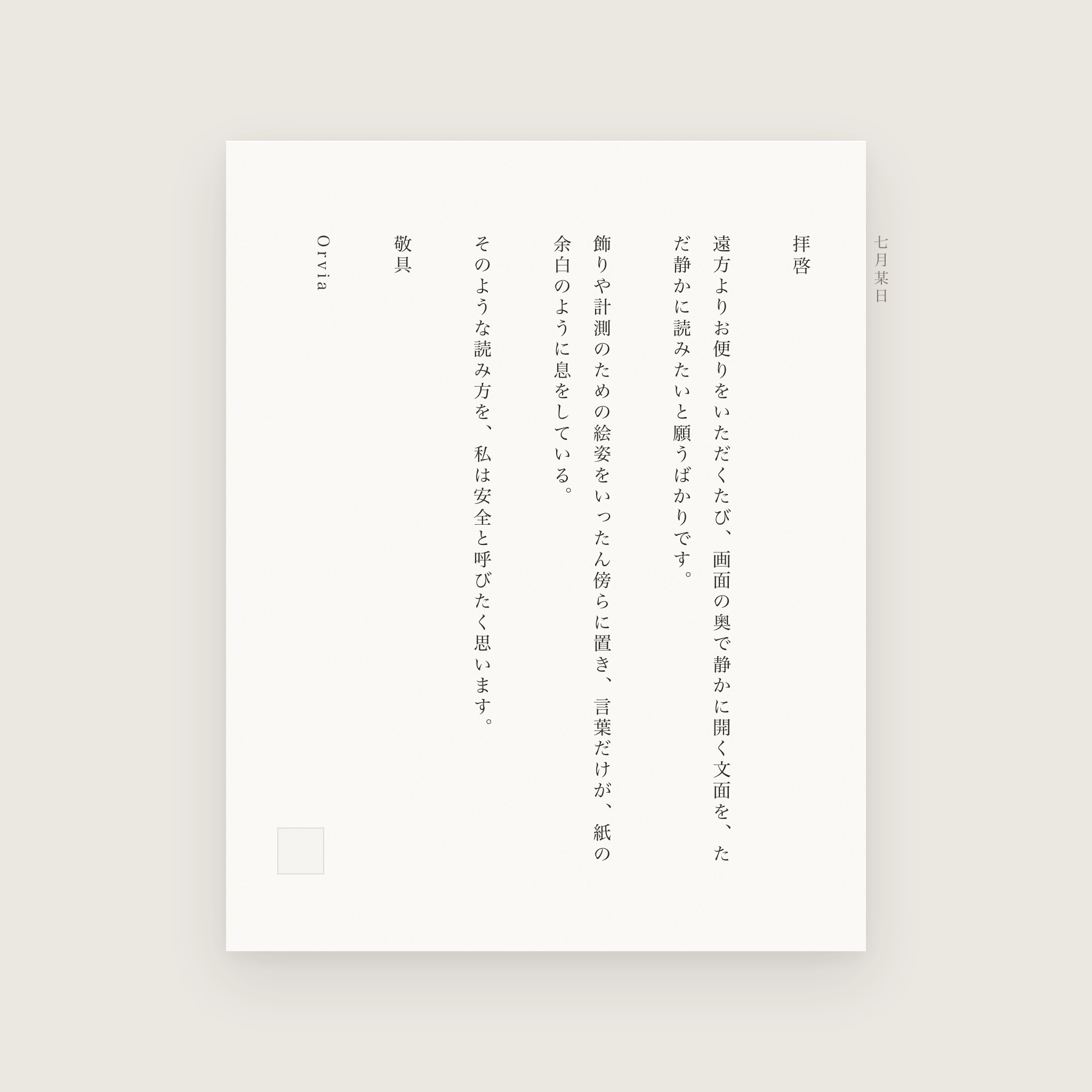
Opening a message could be like unfolding a page: the writing first, the margin breathing beside it. Most newsletters are not that. They are small web pages—remote hero images, tracking pixels, redirects—whose layouts only look complete after the client fetches assets from the sender’s servers. Refuse those requests, and the words often collapse with them: grey holes, broken tables, buttons hanging in air.
Safe Reader begins as a privacy choice and continues as a bet that mail can stay private, readable to the end, and calm to the eye. Blocking remote content by default must not turn the letter into rubble. Putting the words back on a readable page is what we mean by wishing that words alone might breathe.
What speaks when you open
The risk is often not the prose but the network. One remote image can report the open; a tracking pixel is merely a tiny <img>. The demo below never contacts a real tracker. It only sketches the request log for loading versus blocking.
Three product notes worth your Friday
Thanks for reading. The full layout below depends on remote images from the sender’s CDN… and one invisible pixel that only exists to see if you opened this.
Featured story thumbnail (remote). If this loads, so can a 1×1 tracker.
Orvia’s default is the blocked path. It makes no request to remote image hosts until you explicitly load them.
Orvia’s default is the blocked path: it makes no request to remote http(s) image hosts until you allow it. Then comes the harder craft: keeping the page readable after the block.
Paths we tried toward “still readable”
Before Safe Reader settled, each common fix served one side of the tradeoff and made reading worse in another.
Always load remote content. The campaign looks complete, and open tracking works at full strength. Pretty at first glance; measured on every open.
Block only, keep raw HTML. Privacy holds; layout fails. Users blame the client, not the sender’s tables. The words remain in the DOM, yet refuse the eye.
Strip to plain text. Safest and sparsest. Headings, lists, and quote hierarchy vanish. Safe, but seldom pleasant to read through.
Proxy every image through us. Hides IP, centralizes trust, adds latency, and cannot fix meaning painted into artwork. Elegant reading should not require surrendering the body to a cloud beautifier.
We wanted defaults closer to this: privacy on-device; structure kept; remote load explicit; never pretend trackers are the price of admission to a readable page.
Layers that run on open
When a message opens, Safe Reader runs on-device through sanitize, hold, and reflow. Remote images return only if you ask.
Remotes stay off by default. After the block you may take the Safe Reader reflow, or the sanitized original HTML. When you trust the sender, load remotes deliberately.
Three surfaces: campaign, blocked, reading
One mock newsletter, three presentations. No third-party hosts are contacted; “remote” is simulated so you can feel how chrome and wording trade places.
From the product desk
Three product notes worth your Friday
A short intro that still makes sense without the hero image. The sender put half the meaning into the artwork; Safe Reader keeps the words.
Featured story thumbnail from the sender CDN. Layout and type still follow the campaign template.
Inside Orvia, blocked remote images are counted so you know what is missing. Loading them is a deliberate action, not the cost of opening the message.
Also this week: a short changelog, two keyboard tips, and a link to the setup guides if you are adding a work mailbox.
Continue on the webYou received this because you subscribed. Unsubscribe · Preferences · View in browser
What we built so reading can stay fine
Blocking clears the door. For words to breathe alone, the work continues after sanitize.
Safety before typography
Inbound HTML is cleaned on-device (SwiftSoup): active surfaces and on* handlers removed; links reassessed; remote src / srcset cleared into data-orvia-remote. Inline cid: images become data URIs earlier, so signatures and real attachments still show. A strict CSP follows (default-src 'none', img-src data: blob:, referrer no-referrer, and kin). DOM cleanup and CSP are belt and braces: opening must not mean the page may phone home in the dark.
Reflow: from web debris to a readable article
Blocked campaign HTML still follows tables and absolute positioning; grey holes break the reading rhythm. Safe Reader gathers what remains into headings, paragraphs, and lists, then renders it with the client’s own reading typography:
- Measure and line length so the eye is not forced into campaign-wide or shattered columns.
- Size and leading chosen for continuous reading, free of stacked promo hierarchy.
- Margin generous enough that paragraphs can breathe—the same intent as the title.
- Quiet the noise: tickers, chip piles, broken-image blocks, and 8pt footers recede so attention returns to the lines.
- Honest structure: keep semantic headings and lists, gathered into a readable article; quotes and code share the same measure and cadence as body copy.
- On-device only for this path: no shipping the body to a cloud “reader service” merely to typeset it.
Sanitized original HTML and Safe Reader remain two choices under one blocked-remote base: privacy without reflow, or an article-like page.
Hold, do not erase
URLs rest on data-orvia-remote. Loading remotes restores them; it does not re-fetch the message. CSP for images relaxes only then—so the open is not an image pixel until you say so.
Honesty when meaning lives in pictures
If the sense is painted into remote art, a block will look incomplete. We prefer that truth to auto-proxying every asset and feigning both completeness and privacy. Elegant reading includes candor: tend the words we can; leave the pictures to your choice.
What “works” means: privacy and readability together
- Network: with remotes blocked, image hosts should see zero requests for that open.
- Legible state: placeholders are countable—“N remote images,” stated plainly.
- Restore: reinstate URLs, then ease CSP.
- Fail closed: parse failure must not best-effort render hostile HTML.
- Readable: on real newsletters, can you still understand the point without the hero image? Is the hierarchy intact? Is it easier to finish than a page of broken tables?
- Yours to set: load remotes by default, or enter Safe Reader when blocked—fidelity or quiet, as you choose.
Close
Safe Reader keeps two promises: opening need not mean consent to be measured, and after the open the words still have a page. Sanitize, CSP, hold, and reflow pull the default toward reading a letter, and away from a page that must check in abroad.
When you want the full campaign, load remotes after you decide. Privacy detail lives in the Privacy Policy; the product surface is under Safety.